Tool Review · March 2026
Higgsfield AI review: cinematic video for brand campaigns.
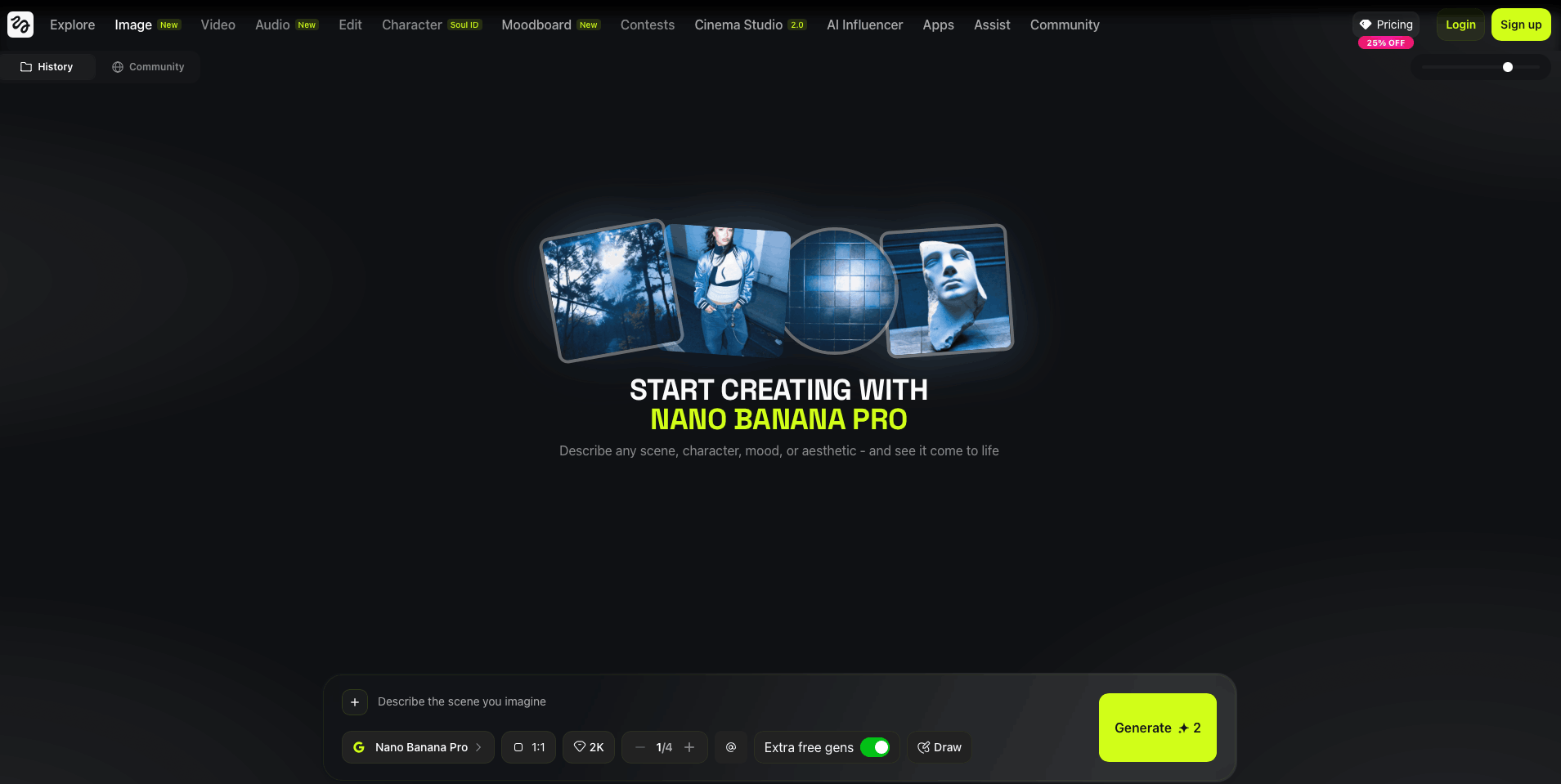
Higgsfield AI is the loudest platform in AI video right now. Founded by Alex Mashrabov, former Director of Generative AI at Snap, it raised a valuation of $1.3 billion and positions itself as a full-stack AI production studio. The pitch: Cinema Studio 2.0 with real optical physics, 15+ video and image models under one roof, and professional camera controls that no competitor matches.
We tested Higgsfield for brand visual production at Memorable Studio. Specifically, we wanted to know whether its cinematic tools could produce campaign-grade video content for brands — the kind of output that could replace a traditional video shoot. Here's our honest assessment.
Disclosure: We have no affiliation with Higgsfield. We paid for our own subscription. This review reflects our genuine experience using the platform for professional brand work.
What Higgsfield AI actually is
Higgsfield is a multi-model creative platform that aggregates best-in-class AI generators into a single workspace. Rather than building its own proprietary model, it integrates industry leaders — OpenAI's Sora 2, Google Veo 3.1, Kling 3.0, Wan 2.5, Seedance Pro — and layers professional production controls on top.
For image generation, it offers Nano Banana Pro, Seedream 4.5, Flux 2, GPT Image 1.5, and its proprietary Higgsfield Soul model. In other words, you get access to most of the top-tier models without separate subscriptions. However, the real differentiator is Cinema Studio 2.0 — the video production feature that simulates real camera physics.
Cinema Studio 2.0: the standout feature
This is where Higgsfield earns its reputation. Cinema Studio simulates real optical physics, letting you choose virtual camera bodies, lens types (including Anamorphic glass), focal lengths, and depth of field. You can stack up to 3 simultaneous camera movements — for example, combining a dolly zoom with a crane shot and an FPV sweep.
For brand work, this matters. Most AI video tools produce "generic cinematic" results. Cinema Studio lets you replicate the aesthetic of specific film stocks, sensor sizes, and lens characteristics. The difference is between "AI-generated video" and output that feels like it was shot on an ARRI Alexa.
In our testing, quiet scenes with controlled camera movements produced genuinely impressive results — smooth dolly shots, natural depth of field transitions, and consistent lighting across frames. The 21:9 cinematic aspect ratio and 16-bit HD output give footage a film-grade look.
Where Cinema Studio struggles
Complex scenes are a different story. Fast action, multiple moving subjects, and rapid camera movements frequently produce artifacts, inconsistent motion, and temporal flickering. In our tests, roughly 40% of complex video generations required regeneration or were unusable. Consequently, Cinema Studio works best when you think like a director: plan your shots carefully, keep camera movements deliberate, and don't try to do too much in a single clip.
Image generation: surprisingly solid
Although Higgsfield positions itself primarily as a video platform, its image capabilities are worth noting. Nano Banana Pro produces 4K photorealistic results that compete with dedicated image platforms. Seedream 4.5 excels at cinematic lighting. Furthermore, the platform's workflow organisation — with dedicated modes for product photography, fashion, and brand campaigns — makes it practical for image production alongside video.
That said, for pure image-based brand campaigns, platforms like Freepik Spaces or Flora AI offer better workflow tools, more model access, and stronger collaboration features. Higgsfield's image tools are a bonus, not the main attraction.
The credit problem
This is Higgsfield's most significant weakness for professional use. Credit consumption is aggressive and unpredictable. A single Sora 2 video generation can consume 50+ credits. Cinema Studio renders with complex camera movements cost even more. During our testing, we burned through roughly 70% of a Pro plan's monthly allocation in one project — a 10-clip brand teaser video.
Additionally, the pricing jump between tiers is steep. Basic starts at $9/month (roughly 450 credits), while Pro at $75/month and Ultimate at $119/month offer more, but premium models drain even those allocations quickly. Annual billing saves 40%, which helps, but credit management becomes a constant concern during production.
Credit reality check: If you're producing brand video content regularly, budget for the Pro plan ($75/month) minimum. The Basic and Standard tiers are fine for experimentation but insufficient for professional output. Keep a close eye on which models consume what — Higgsfield's documentation on credit costs per model could be significantly more transparent.
Higgsfield vs the alternatives
vs Runway: Runway offers a more polished editing workflow and better consistency for longer sequences. However, Higgsfield's Cinema Studio provides cinematic camera controls that Runway simply doesn't have. For short-form cinematic content, Higgsfield wins. For editing-heavy production, Runway is stronger.
vs Freepik Spaces: Freepik is primarily an image platform with video capabilities. Higgsfield is primarily a video platform with image capabilities. For brand image campaigns, Freepik wins decisively. For cinematic video production, Higgsfield is the better choice. Many studios use both.
vs Kling standalone: Kling 3.0 (available within Higgsfield) produces strong video output. But using it through Higgsfield gives you Cinema Studio controls and Soul ID character consistency on top. If you only need Kling, the standalone is cheaper. If you need cinematic controls, Higgsfield justifies the premium.
Pros and cons
- Cinema Studio 2.0 camera controls are unmatched in the industry
- Multi-model access (Sora 2, Veo 3.1, Kling 3.0, Wan 2.5) under one subscription
- Nano Banana Pro produces excellent 4K brand images
- Soul ID maintains character consistency across clips
- LipSync Studio is effective for talking-head content
- 70+ VFX and camera presets for quick social content
- Diffuse mobile app for on-the-go generation
- Hybrid photography/videography mode toggle is smart
- Credit consumption is aggressive and poorly documented
- Complex motion scenes produce frequent artifacts
- Pricing tiers jump steeply ($9 to $75 to $119)
- "Unlimited" claims are misleading (throttled during peaks)
- Support is email-only with 36-48h response times
- No node-based workflow system (unlike Freepik or Flora)
- Short clip limits (10-20 seconds max per generation)
- Trustpilot reviews flag deceptive credit practices
Who should use Higgsfield AI
It's ideal for: Social media creators and agencies producing cinematic short-form video. Marketers who need professional video ads without traditional filming. Brands exploring AI video for teasers, product showcases, and social content. Anyone who wants director-level camera controls in an AI video tool.
It's not ideal for: Teams focused primarily on image-based brand campaigns (use Freepik Spaces or Flora AI instead). Budget-conscious users who can't afford the Pro tier. Projects requiring long-form video content. Studios that need transparent, predictable billing.
Memorable Studio verdict
Pricing overview (March 2026)
Higgsfield uses a credit-based subscription model. Annual billing saves 40%.
Basic: $9/month — ~450 credits. Access to core models. Enough for experimentation, not for production.
Standard: $29/month — ~1,500 credits. Mid-tier models and features. Viable for light use.
Pro: $75/month — ~3,000 credits. All models, priority rendering. The minimum for serious brand work.
Ultimate: $119/month — ~6,000 credits. Fastest rendering, broadest access. For agencies and high-volume creators.
Enterprise: Custom pricing. API access, pooled team credits, dedicated support.
Credit packs available as one-time purchases (expire after 90 days). Videos cost 20–50+ credits depending on model and complexity. Images cost 0.25–5 credits.
FAQ
For cinematic short-form video and social content, yes. Cinema Studio 2.0 is unmatched. However, credit consumption is aggressive and motion quality can be inconsistent on complex scenes. Budget for the Pro plan ($75/month) minimum for serious work.
Plans range from $9/month (Basic) to $119/month (Ultimate). Annual billing saves 40%. Premium models like Sora 2 consume 50+ credits per generation, so monitor consumption carefully. Read our full AI production cost guide.
Different strengths. Higgsfield has superior cinematic camera controls and multi-model access. Runway offers better editing workflow and longer sequence consistency. For cinematic social content, Higgsfield wins. For editing-heavy production, Runway is stronger.
Yes. It integrates Nano Banana Pro, Seedream 4.5, Flux 2, and GPT Image 1.5. Image capabilities are solid but secondary to video. For image-focused brand campaigns, Freepik Spaces or Flora AI are better choices.
Higgsfield's professional video feature that simulates real optical physics. Choose virtual camera bodies, Anamorphic lenses, focal lengths, and depth of field. Stack up to 3 simultaneous camera movements. It's the closest thing to professional cinematography controls in any AI video platform.
the production complexity?
Related reviews: Freepik Spaces Review · Flora AI Review · Midjourney for Brands · Best AI Video Generators 2026